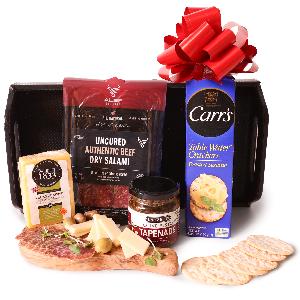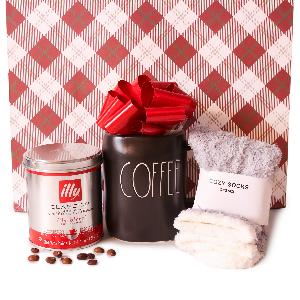

Gourmet Gift Set
Ultimate Office Gift BasketUS$219.95 Delivery
US$219.95
Delivery
 eGift
eGiftB1: Tại màn hình chinh của app Be, chọn mục “Đổi ưu đãi”
B2: Trong mục “Đổi ưu đãi”, chọn mục “Ưu đãi của tôi”
B3: Chọn đúng dịch vụ của voucher và nhập mã voucher, bấm “Sử dụng”
B4: Pop up thông báo “Mã khuyến mại được áp dụng”, mã được lưu vào danh sách
Khuyến mại có thể sử dụng khi nào KH đặt xe/đồ ăn/giao hàng
1. At the main screen of Be app, select ‘’Redeem offer"
2. In the section ‘’Redeem offer’’ select ‘’My offers’’
3. Choose the correct service of the eVoucher and enter, proceed by entering the e-Voucher code. Click "Use"
4. A pop-up message saying ‘’Promotion code is applied’’ will appear. The code has been saved in the list.
The eVoucher can be used when customers order food