
SSG Gift Card
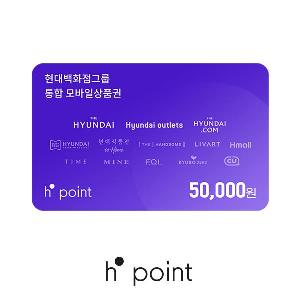
₩50,000 Gift CardUS$37.26 eGift
eGift
US$37.26
eGift eGift
eGift[Where to Use]
Eligible Locations:
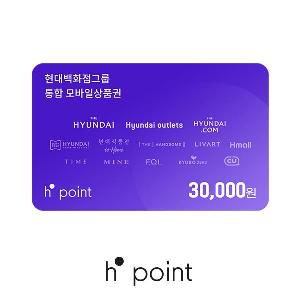
Hyundai Department Store, Hyundai Outlet, TheHyundai.com, Hyundai Home Shopping, Hmall, Handsome, Rivet, and other affiliates of the Hyundai Department Store Group.
How to Register Your Mobile Gift Card:
※ To register an H.Point Mobile Gift Card, you must first install the H.Point app and sign up for an account.
① In the app, navigate through Menu > Stack > Receipt/Coupon > Coupon Accumulation and select the issuer Galaxia Money Tree.
② Enter your 16-digit gift card number, agree to the charge, and tap Convert.
[Important Notes]
If the sender cancels the payment, you will not be able to use this mobile gift card.
The mobile gift card is a gift card number/authentication code that can be charged as points within the H.Point app.
The mobile gift card cannot be used directly; you must first charge it to your H.Point account. Once charged, it can only be used at the designated locations, and the transaction cannot be canceled.
For inquiries about mobile gift card registration or other H.Point-related issues, please contact the H.Point Customer Service at 1800-2800.
▼ For more details, please visit the H.Point website:
https://www.h-point.co.kr