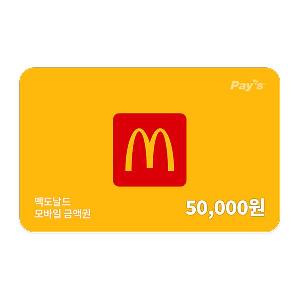
McDonald's
₩50,000 Gift CardUS$36.82 eGift
eGift
US$36.82
eGift eGift
eGift[How to Use]
Domino’s Pizza Online Only:
Can be used on the Domino’s Pizza website and mobile app.
Not valid for offline store visits or phone orders.
[How to Order]
-> Visit the Domino’s Pizza website (web.dominos.co.kr).
-> Log in (Non-members must sign up before using).
-> Go to My Info > Gift Voucher Menu, then register your voucher.
-> Add your desired menu items to the cart.
-> Select your delivery address or pickup store.
-> Proceed to checkout, then select your voucher for payment.
-> Review the final payment amount and complete the purchase.
[Important Notes]
- Can only be used for orders via the Domino’s website or mobile app (Offline/phone orders not allowed).
- Login is required (Non-members must sign up to use the voucher).
- Up to two vouchers can be used per order.
- Domino’s E-Coupons can be redeemed via the App/Website E-Coupon tab (for delivery and pickup orders).
- Can be combined with other coupons, including E-Coupon menu vouchers, DominoCon set vouchers, and single-item vouchers.
- Discount policies, including partnership discounts, set menus, promotions, and side dish half-price deals, depend on Domino’s brand policy.
- Remaining balance must be prepaid online (post-payment or order modifications are not allowed).
- When using multiple vouchers, the one with the smallest remaining balance will be used first.
- An automatic cash receipt will be issued for the amount paid using the voucher.
- If an order is canceled, the voucher balance is immediately restored.
[Usage Restrictions]
Delivery may not be available in some areas due to store conditions.