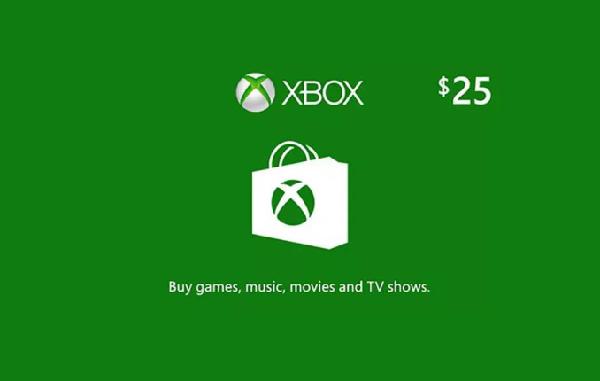
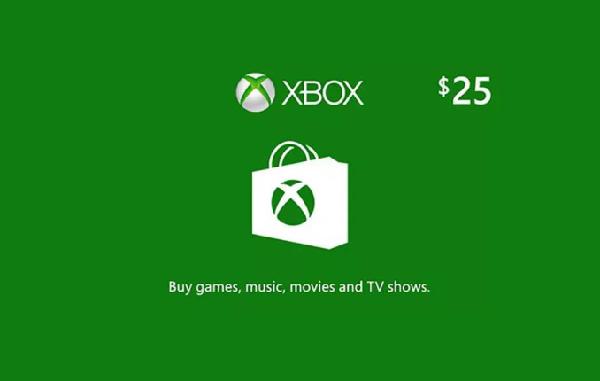
US$25
XBOX Game Pass Core
XBOX Game Pass Core US$25 Gift CardUS$26.25 eGift
eGift
US$26.25
eGift
No returns or refunds on gift cards.
eGiftMeta Quest Mobile App:
• Install the Meta Quest app on your iPhone or Android phone
• Sign in with (or create) your Meta account
• Go to ‘Wallet’ in the Menu of the Meta Quest app
• Click on ‘+’ button to open ‘Add to Wallet’
• In the “Add to Wallet” select and click on ‘Gift Card’ option
• Enter your Gift Card Code
• Click ‘Redeem’ button
• Meta Quest Gift Card will be added to your Meta Quest wallet.
• You can now use your Gift Card to purchase apps & experiences at the Meta Quest Store
Web Browser:
• Go to https://store.meta.com/redeem-code
• Sign in with (or create) your Meta account
• Enter your Gift Code
• Click on ‘ ->’ button
• Meta Quest Gift Card will be added to your Meta Quest wallet.
• You can now use your Gift Card to purchase apps & experiences at the Meta Quest Store
Note
Valid for use in 50 United States, District of Columbia and the following US Territories: American Samoa, Guam, Northern Mariana Islands, Puerto Rico, and U.S. Virgin Islands