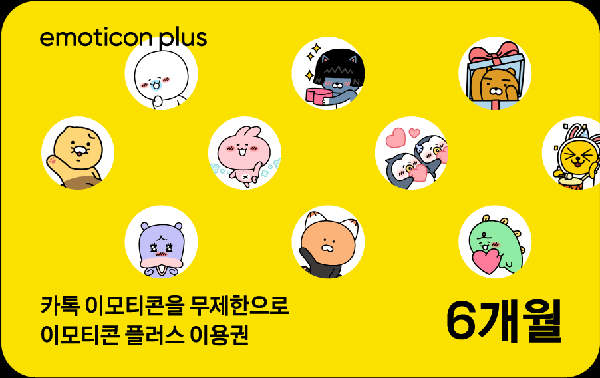
Kakao Emoticon
Kakao Emoticon Plus 6-Month SubscriptionUS$24.01 eGift
eGift
US$24.01
eGift eGift
eGift[How to Use]
- You must log in to your Kakao Account to register and use the voucher.
- This voucher does not require separate payment information.
- To use the service, you must register the registration code (coupon number) and submit a usage request on the Kakao MY Subscription website (my.kakao.com).
-Registration link: https://my.kakao.com/voucher?id=<%BARCODE%>
① Register the voucher
MY Subscription Home > Profile > Vouchers > Register and Change Vouchers (https://my.kakao.com/voucher) > Paste the copied voucher number > Click [Register]
② Use the voucher
MY Subscription Home > Profile > Vouchers > Register and Change Vouchers (https://my.kakao.com/voucher) > Available Vouchers > Click [Use]
[Important Notes]
- This voucher allows you to use the same emoticons without registering a payment method.
- Once registered, the voucher will automatically expire if you do not complete the usage request within the validity period.
- If you already have an active subscription:
① Subscribed via the web: Kakao MY Subscription → Available after completing the registration/usage request (the usage period will be automatically extended after the current voucher expires)
② Subscribed via the App Store: App Store/Play Store → Cancel the subscription through the App Store, then complete the registration/usage request
- Registration cannot be canceled once completed.
- Refunds or payment cancellations may only be requested for exchange vouchers that have not been registered (= exchanged for a voucher).
- Refunds are based on the actual amount paid, and the amount shown when applying for a refund may differ from the actual refund amount.
- Identity verification and confirmation of the account holder’s bank account may be required when requesting a refund.
- The validity periods for registration and usage requests are the same.
- The registration validity period can be extended in 90-day increments before the expiration date.
- For validity period extensions and refunds, please contact the customer service center of the place of purchase.
- Refunds and validity period extensions are not available for B2B purchases.