
AU$100
Nexon
Nexon AU$100 Gift CardUS$74.26 eGift
eGift
US$74.26
eGift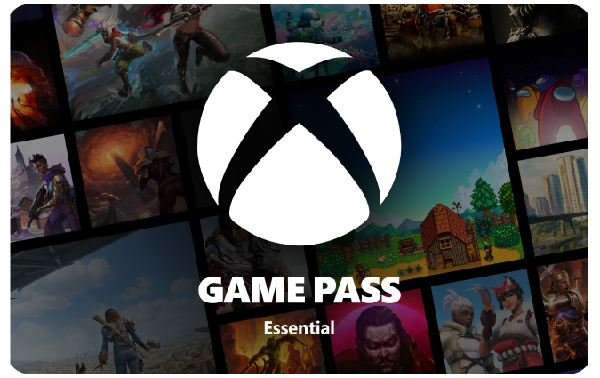
No returns or refunds on gift cards.
eGiftOn an Xbox console
Turn on your Xbox and sign in to the Microsoft account you want to apply the subscription to.
Press the Xbox button on your controller to open the Guide.
Select Store.
Press the View button (the one with two overlapping squares) on your controller to open the side menu.
Select Redeem.
Enter the 25-character code from your gift card (do not include dashes) and select Next or the arrow icon.
Follow the on-screen prompts and select Confirm to activate your Game Pass Core membership.
On a Windows PC
Open the Xbox app by searching for it in the Start menu.
Select your gamerpic in the top-left corner.
Go to Settings.
Select Redeem under the "Redeem a code" option.
Enter the 25-character code and select Next.
Follow the prompts to complete the redemption.